our phones quietly collect so many little pieces of who we are—the apps we open without thinking, the games that keep us company, the photographs we cannot bring ourselves to delete and all the oddly specific things saved for later. so, in the spirit of treating this blog like a digital diary, i thought it would be fun to give you a peek inside mine. this is not a perfectly organised or aesthetically curated phone tour; it is simply an honest little snapshot of what is living on my screen right now ♡
my phone at a glance
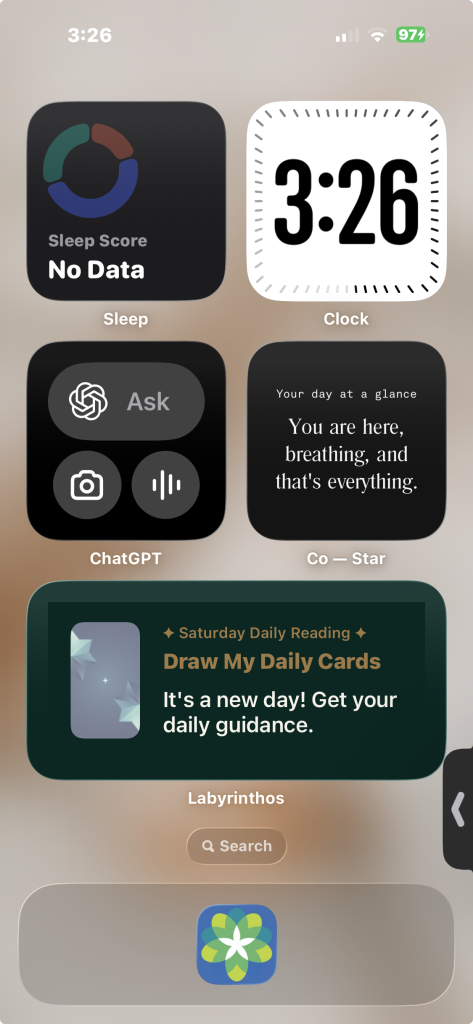
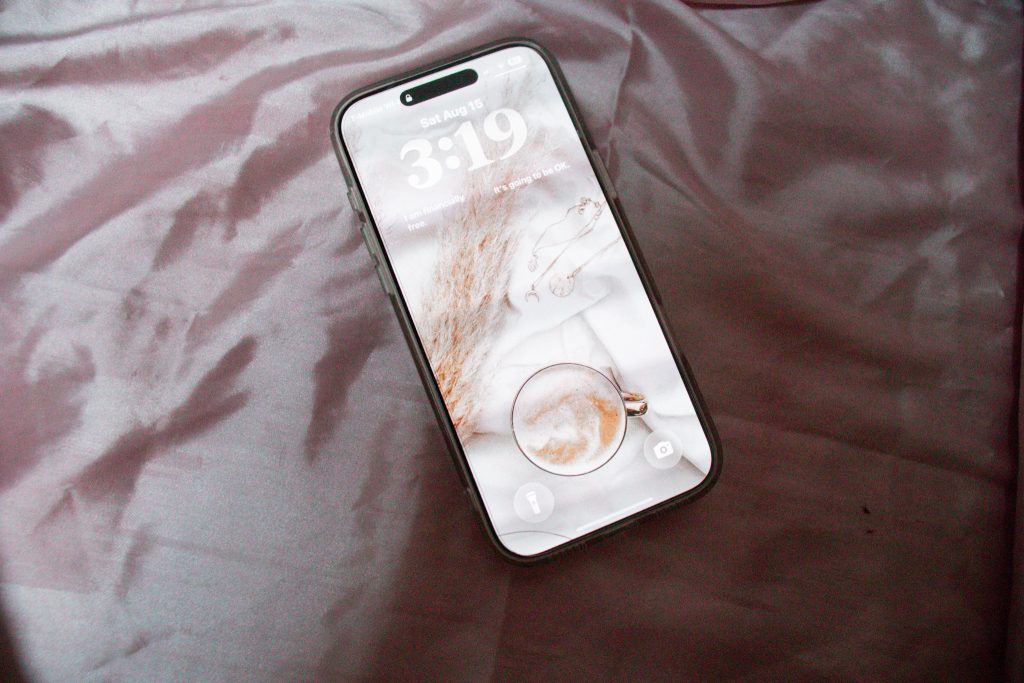
i recently upgraded to a new iPhone 17 Pro Max, so everything still feels a little fresh and exciting. my wallpaper is an image i found on Unsplash rather than one of my own photographs—I like being able to browse until i find something that matches the feeling i want whenever i look at my screen.
my home screen is fairly organised, with everything arranged so i can find the apps i use without searching through pages of clutter. it may not be an elaborate aesthetic setup, but it feels calm, practical and easy for my brain to navigate—which matters much more to me than making it look perfectly curated ♡
the everyday essentials
the apps i use most often are not especially exciting, but they are the ones that quietly keep my days running. i check Gmail for anything that needs my attention, open Messages to stay in touch, glance at the Weather app before making plans and use iCal to keep track of appointments and anything else i do not want my brain to forget.
the Notes app is another everyday essential for me, particularly for therapy. i use it to write down thoughts, feelings and things i might want to discuss before they disappear from my mind. it is not an elaborate system, but having one private place to collect everything helps me arrive with a little more clarity ♡
social media & staying connected
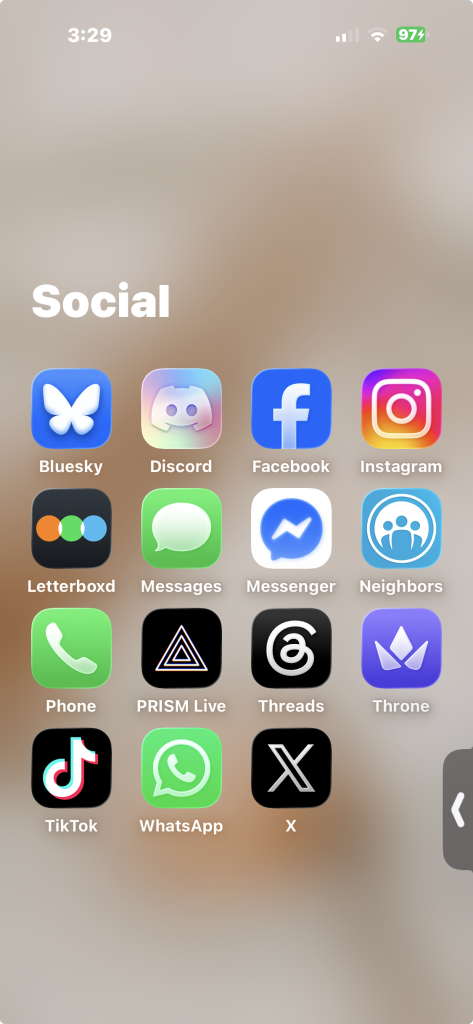
my Social folder contains quite a mix of apps, although i definitely do not use every one in the same way. Messages and Phone are the simplest ways to keep in touch, while WhatsApp, Messenger and Discord help me stay connected with people across different conversations and corners of my life.
then there is the more public side of being online: Instagram, Facebook, Bluesky, Threads, X and TikTok. each platform has its own atmosphere, and i tend to move between them depending on whether i want to share something, see what other people are doing or simply scroll for a while. Letterboxd gives me a place for film-related discoveries, while Neighbors, PRISM Live and Throne fill a few of the more specific social and creator-related gaps. seeing them all together is a good reminder that “social media” is not really one place—it is a slightly chaotic collection of ways to connect, create and quietly observe ♡
games & little distractions
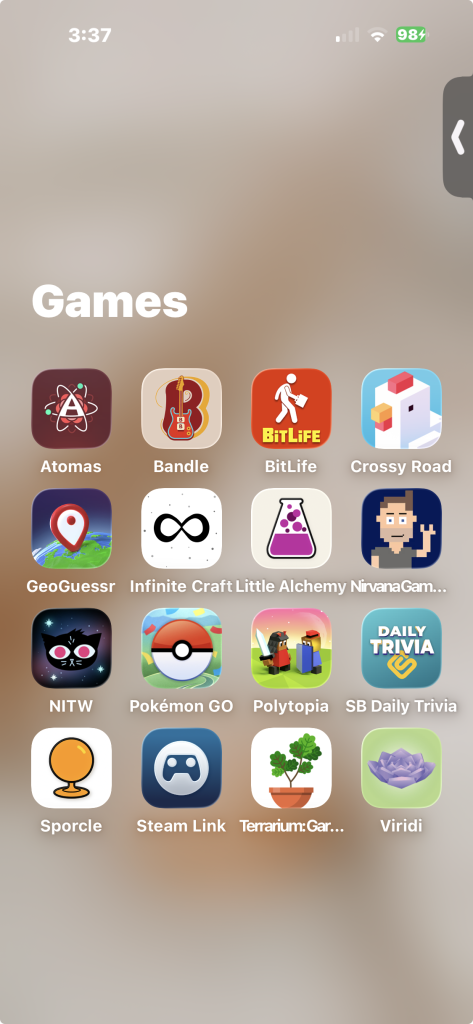
my Games folder is a mixture of quick distractions, tiny challenges and games i return to whenever my brain needs something else to focus on. GeoGuessr is probably the least surprising app here, while Bandle, Sporcle and Daily Trivia give me small questions to solve. Infinite Craft and Little Alchemy satisfy the part of me that enjoys experimenting just to see what strange new thing i can create.
there is quite a range of moods inside this folder. Crossy Road, Atomas and BitLife are easy to open for a brief distraction, while Pokémon GO and Polytopia can keep me occupied for a little longer. Viridi and Terrarium offer something slower and calmer, and Steam Link gives me another way to access games beyond my phone. i may not play every one regularly, but together they form a handy little collection of ways to keep my hands and brain entertained ♡
entertainment & internet rabbit holes
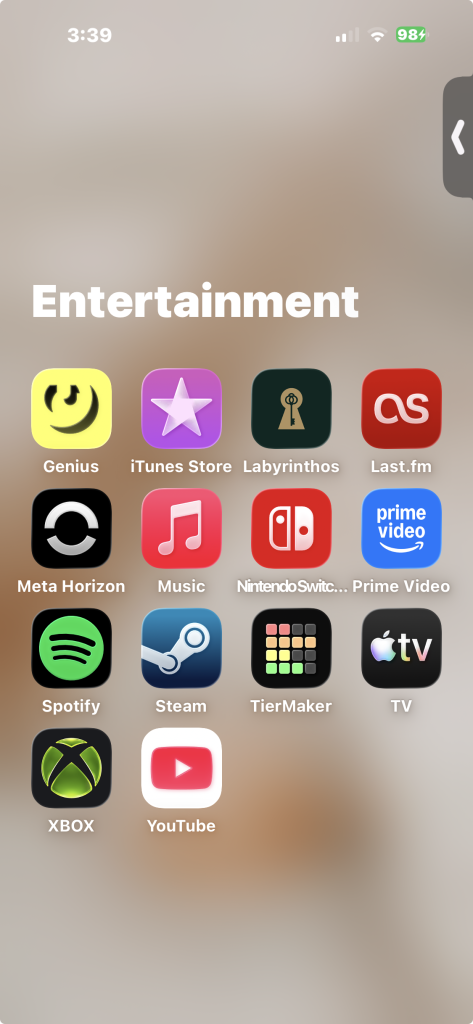
my Entertainment folder contains a little bit of everything: music, streaming, gaming and the apps most likely to lead me into an unexpected rabbit hole. Spotify and Music are where i listen, while Last.fm keeps track of what i have been playing and Genius helps whenever i want to look up lyrics or learn more about a song. the iTunes Store is still here too, quietly surviving alongside all the newer ways of listening.
YouTube is probably the biggest rabbit-hole generator in the folder—one video can easily become an entire afternoon of documentaries, commentary or whatever unusual subject has captured my attention. Prime Video and Apple TV cover more traditional watching, while Steam, Xbox, Nintendo Switch and Meta Horizon keep the gaming side of my life connected. Labyrinthos gives me daily cards and guidance, and TierMaker is there for those moments when arranging things into extremely specific rankings suddenly feels very important. it is an eclectic folder, but that seems appropriate for my equally eclectic interests ♡
travel, maps & exploring
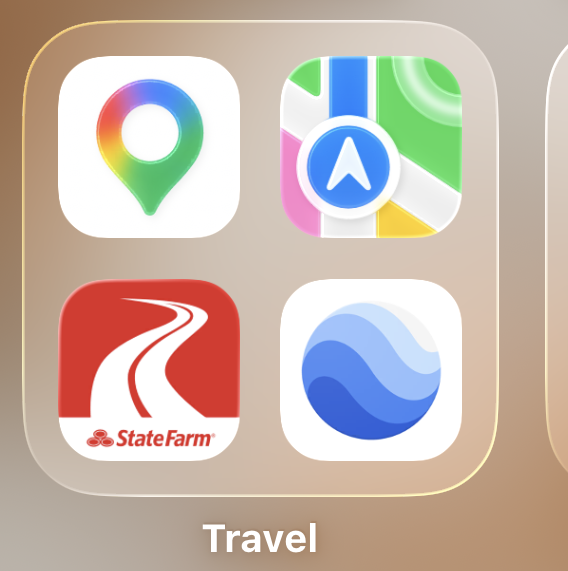
this folder may only contain four apps, but they cover both the practical and curious sides of exploring. i use Google Maps and Apple Maps for directions, finding places nearby and saving locations i might want to visit someday. my State Farm driving app lives here too, since it naturally belongs alongside everything else i use while getting from one place to another.
Google Earth is the least practical app in the folder, but perhaps the most fun. i love being able to wander around unfamiliar places from my phone, revisit destinations i’ve travelled to or simply see where my curiosity takes me. even when i’m staying home, it gives me a tiny way to keep exploring. ♡
blogging, photography & creativity
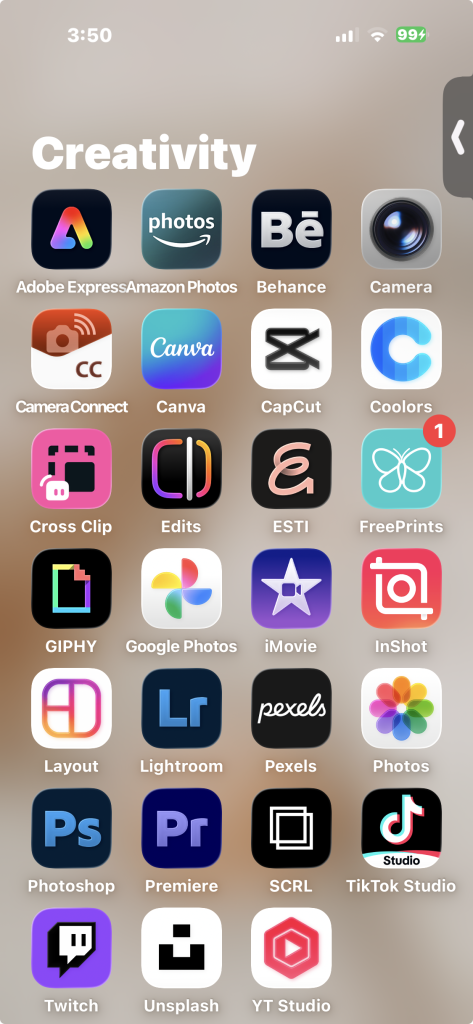
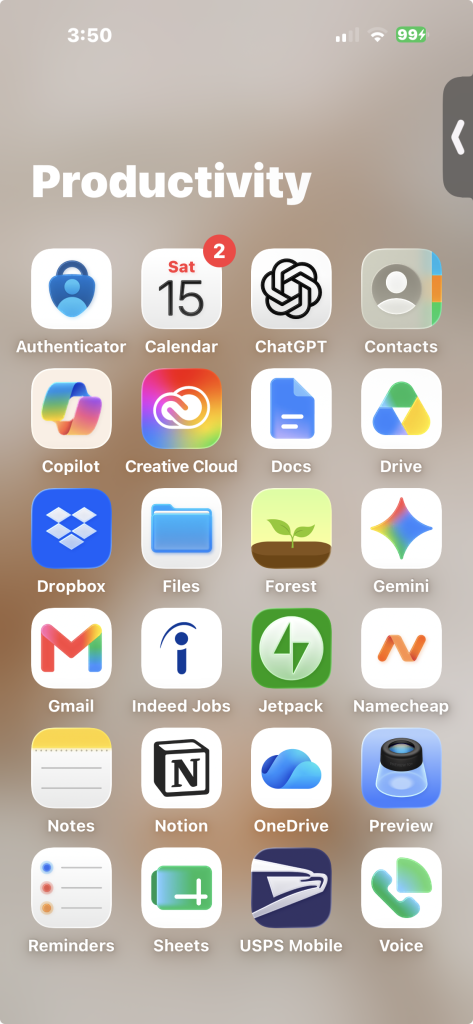
this is easily one of the fullest corners of my phone, although i definitely don’t use every app every day. Notes and Google Docs are where ideas, rough drafts and little fragments of sentences tend to begin, while Jetpack lets me check in on my blogs when i’m away from my computer. i also use tools like Canva and Adobe Express when i need to create a graphic or put something together quickly.
photography takes up an especially large part of this folder. i can take and transfer photos with Camera and Camera Connect, edit them in apps like Lightroom and Photoshop, and keep backups across Photos, Google Photos and Amazon Photos. Unsplash and Pexels are useful when i need an image i couldn’t take myself, while CapCut, iMovie and Premiere are there for the occasional video project. it may look like a slightly excessive collection, but i like having different tools available depending on what i feel like creating. ♡
the oddly specific corner
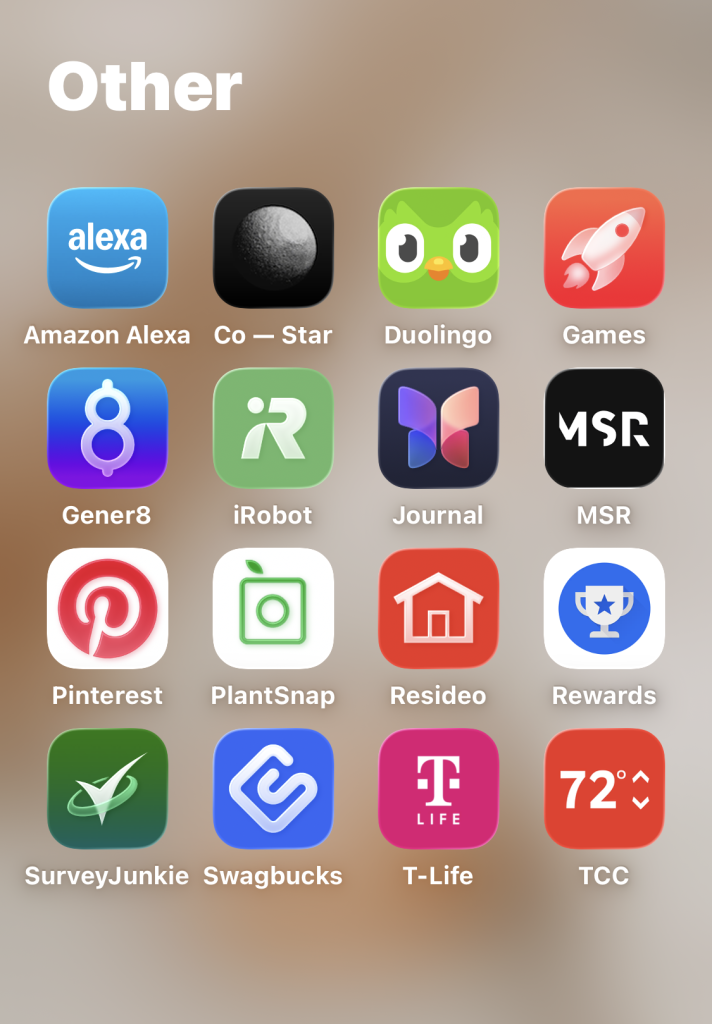
and then there is the “Other” folder: the place for every app that refuses to fit neatly anywhere else. this is where i keep my smart-home controls, including Alexa, iRobot, Resideo and TCC, alongside practical things like T-Life and a few survey and rewards apps. none of them really deserve an entire folder of their own, so they’ve formed a slightly mismatched little neighborhood together.
it’s also home to apps for my more specific interests and occasional whims: identifying a plant with PlantSnap, collecting inspiration on Pinterest, attempting to keep up with Duolingo, checking Co–Star or writing something in Journal. there isn’t much logic holding this folder together beyond “i might need this again someday,” but that feels like an important category in its own right. ♡
final thoughts
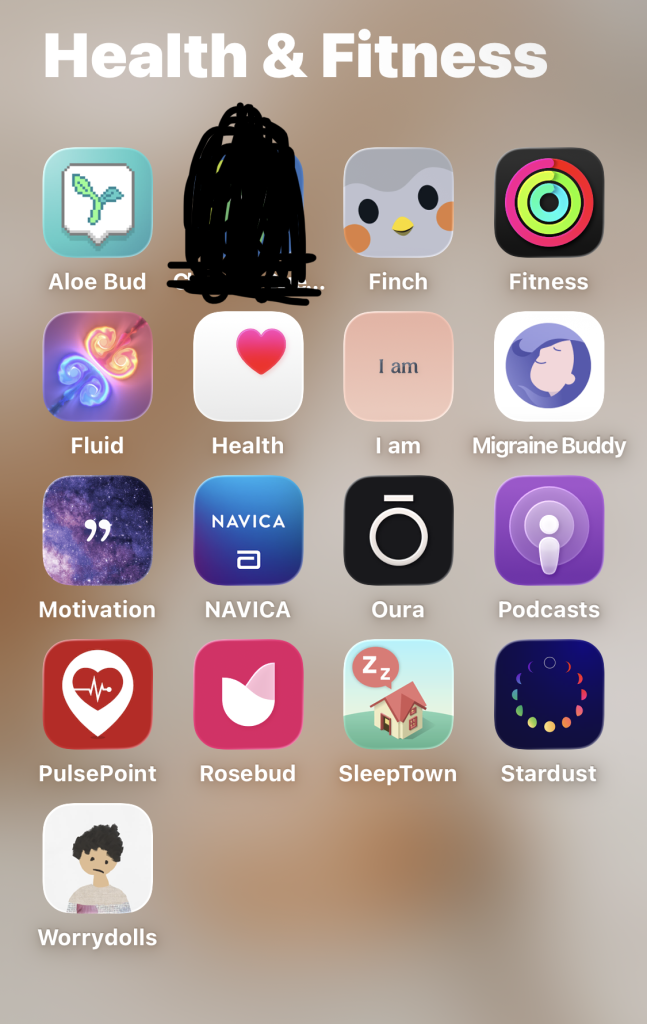
looking through everything on my phone made me realize how accurately it reflects my life: a mixture of practical tools, creative projects, cozy distractions, health reminders and apps i downloaded for one oddly specific reason and never deleted. it isn’t perfectly minimal, and i certainly don’t use every app regularly, but everything has found its place in my little system.
more than anything, my phone is a tool for staying connected, keeping myself organized, creating things and making ordinary days a little more interesting. this will probably all look different eventually as apps come and go, but for now, this is what’s on my phone. ♡
your turn
what does your phone say about you? what app do you use the most—and what is the most oddly specific app you refuse to delete? i’d love to hear what lives on your home screen. 😊
Save for later